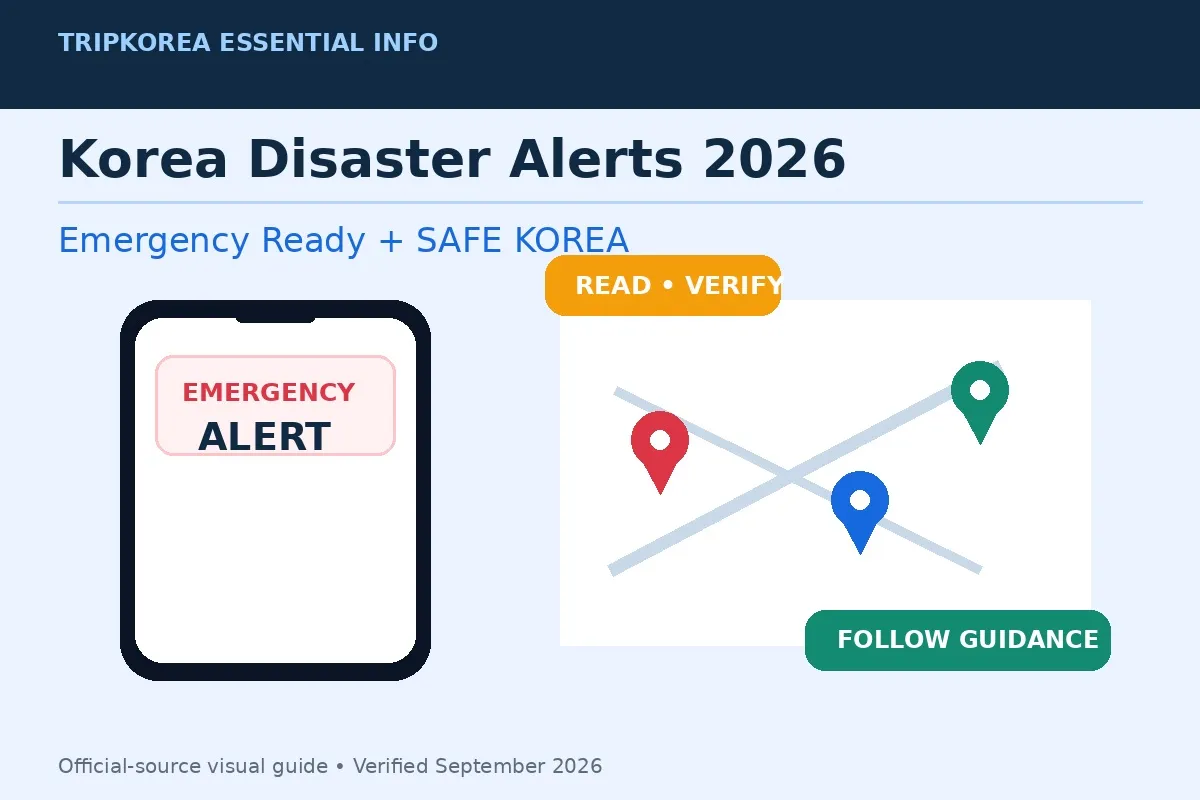
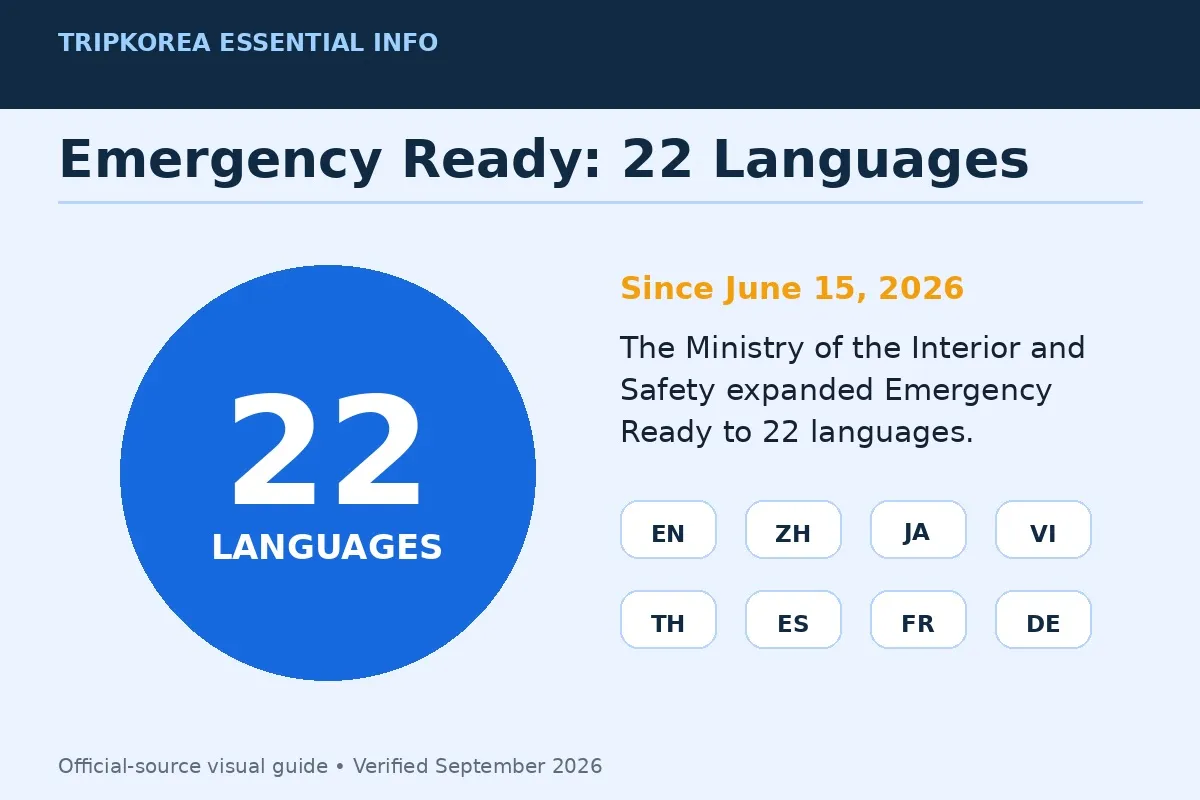
Since June 15, 2026, Emergency Ready has supported 22 languages; the Ministry of the Interior and Safety states that these languages cover 97% of approximately 2.87 million foreign residents in Korea (Source: Ministry of the Interior and Safety). This Korea disaster alerts guide explains how visitors can configure the app, verify an alert through SAFE KOREA, identify the affected area, and find official instructions or a shelter.
The Ministry of the Interior and Safety’s 2026 update expanded Emergency Ready to 77 types of disaster-preparedness guidance, 20 types of location-based safety information, and 22 languages (Source: Ministry of the Interior and Safety notice via Seoul Tourism Organization). Because warnings and local conditions change, travelers should use the live official services linked below rather than relying on saved screenshots or old messages.
1. The Problem: Alerts Can Be Local and Time-Sensitive
A Korean emergency alert may concern one district, several cities, a transport corridor, a coastline, or a wider province. The information can cover natural hazards such as typhoons, heavy rain, earthquakes, heavy snow, heatwaves, or wildfires, as well as fires, gas leaks, water interruptions, coastal hazards, and other public-safety events.
The practical task is not merely translating every word. A traveler must determine whether the named location matches the current location or planned route, identify the action requested by the issuing authority, and check whether the information has been updated.
Emergency Ready and the English SAFE KOREA government portal provide a second route to official information. SAFE KOREA publishes English and Korean alert text together and provides links to safety guidance and nearby facilities.
The app’s official information card lists emergency alerts, safety guides, civil-defense shelters, emergency medical centers, police stations, fire stations, and embassy information. These functions make it useful before an emergency as well as after an alert appears.
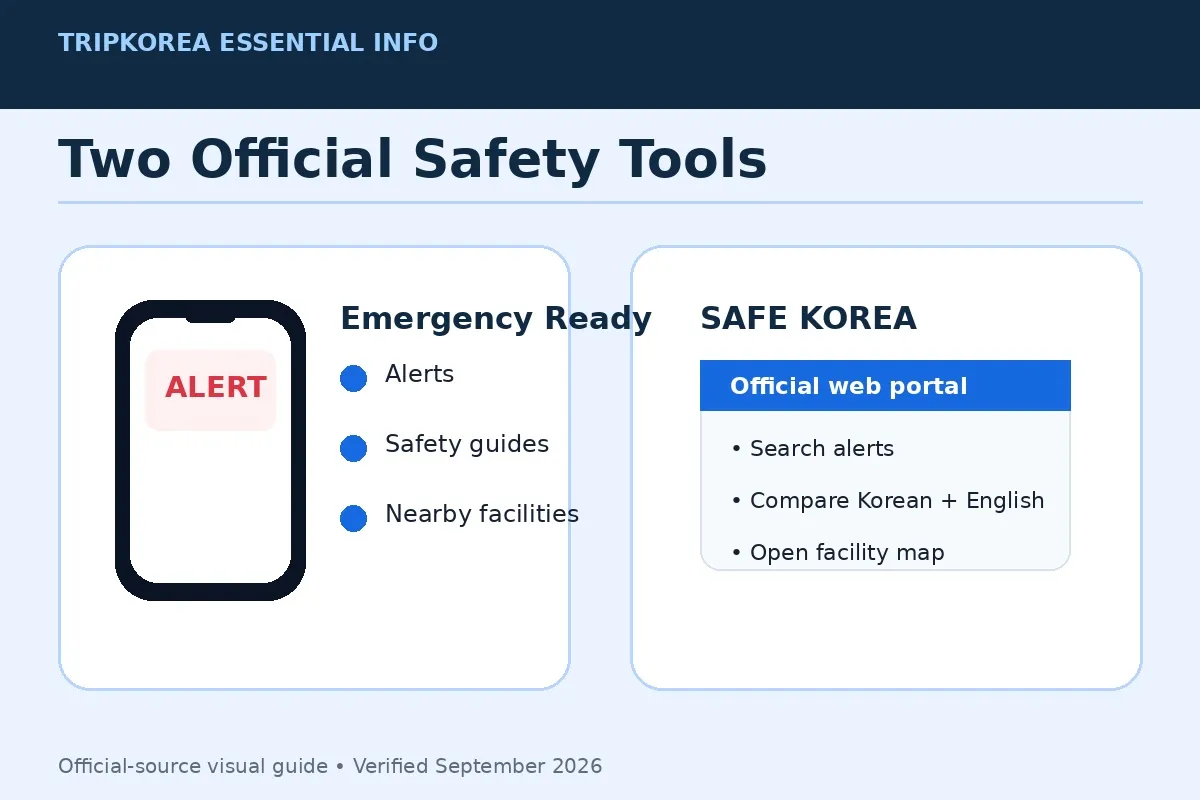
Use Emergency Ready for phone-based alerts and location services, and keep SAFE KOREA bookmarked as the browser-based verification route.
2. The Solution: Use Emergency Ready and SAFE KOREA Together
Emergency Ready is designed as the foreign-language counterpart to Korea’s government disaster-safety services. The 2026 official materials state that the app provides 22 languages; language availability and individual translations should still be checked inside the current version of the app.
Select a language you can read before traveling between cities. Then permit notifications and location access if you want the app to provide location-based safety information. On both Android and iPhone, system settings can block alerts or location functions even when the app itself has been installed.
SAFE KOREA is the browser-based verification route. Its English Emergency Alerts page can be searched by region, city, date range, and keyword. Each entry displays the available English text beside the original Korean text, allowing travelers to compare the place name, issuing authority, time, and requested action.
The portal also separates alerts from preparedness material. Its Safety Guidelines directory includes natural disasters, social disasters, life safety, and emergency preparedness. Categories range from typhoons, floods, earthquakes, and heavy snow to fires, chemical accidents, crowd incidents, civil-defense warnings, and emergency supply preparation.
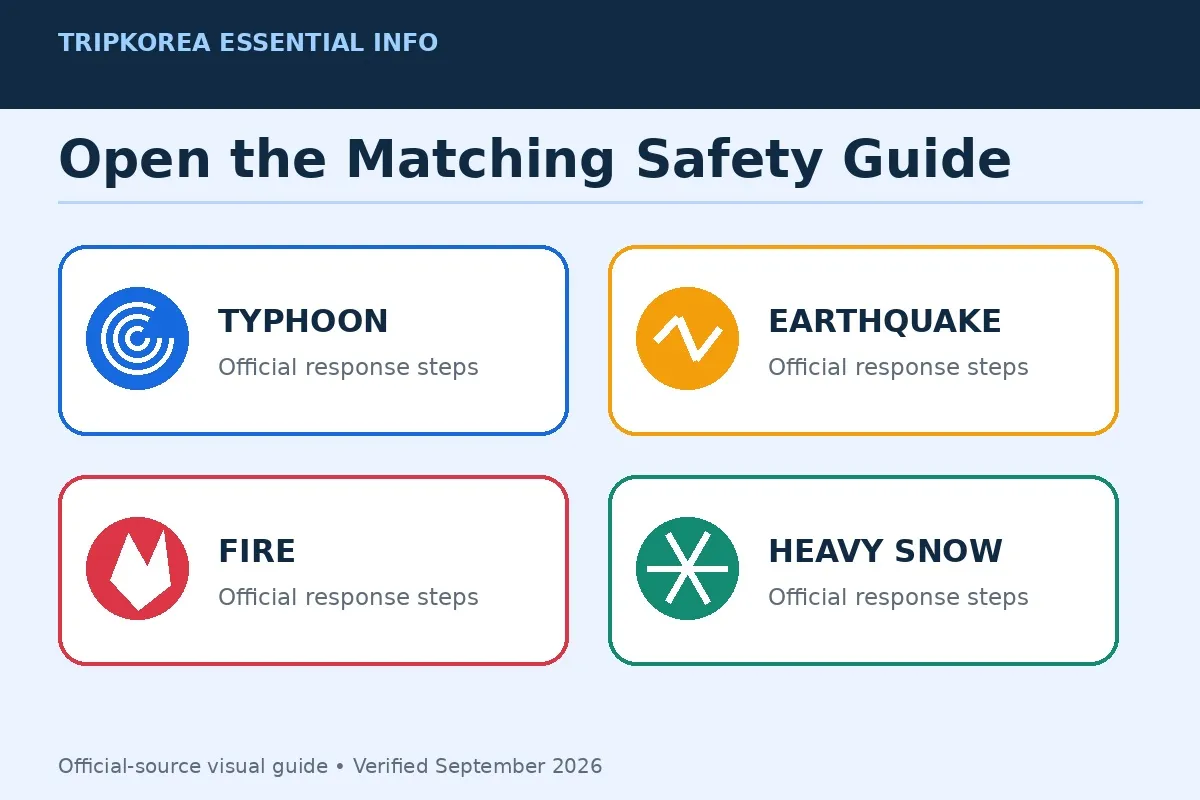
Use the alert for the immediate instruction and the matching safety guide for the wider response procedure. For weather-related events, the Korea Meteorological Administration is the official source for current warnings and forecasts. Do not substitute an old travel article or social-media post for a current government warning.
3. Step-by-Step Korea Disaster Alerts Guide
Step 1: Install the official app before you need it
Search for “Emergency Ready App” in Apple’s App Store or the Google Play Store. Confirm that the listing identifies the Korean Ministry of the Interior and Safety, download the app, and open it while you still have a stable connection.
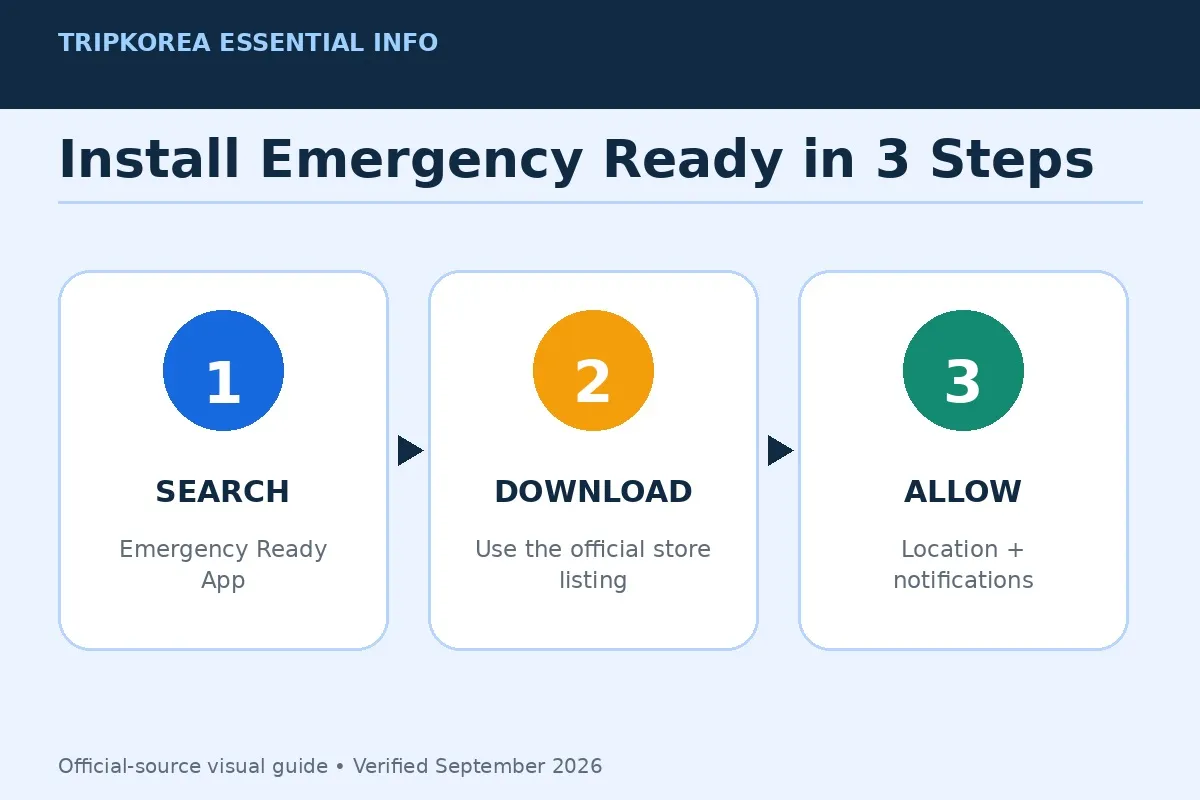
The ministry’s official installation graphic gives three steps: search for the app, download it, and allow location and notifications. Review those permissions again after an operating-system update, a phone change, or a reinstall.
Step 2: Set the language, location, and notifications
Choose your preferred language inside the app. Enable notifications in the phone’s system settings, and allow location access if you want location-based information. Travelers using a temporary SIM, eSIM, or Wi-Fi-only device should test that the app opens and updates on the connection they intend to use.
Do not assume installation alone guarantees that every notice will appear. Battery-saving modes, disabled background activity, muted notification categories, or revoked permissions can affect app behavior. Check the current device settings rather than relying on a previous configuration.
Step 3: Read the alert in a fixed order
When an alert appears, first look for the hazard or disruption, then the named area, the issue time, the authority shown at the end, and the requested action. Place names may be written as a province, city, district, neighborhood, road, mountain, river, coast, or facility.
- What happened: Identify the hazard, accident, closure, interruption, or warning.
- Where: Compare the named area with your current location and next destination.
- When: Check the issue time and whether a newer notice has replaced it.
- Who issued it: Note the local government or public authority named in the message.
- What action is requested: Follow the stated instruction, such as avoiding an area, moving indoors, closing windows, evacuating, or checking another official channel.
Use the same five-field sequence each time so that the requested action is not separated from the place and issue time.
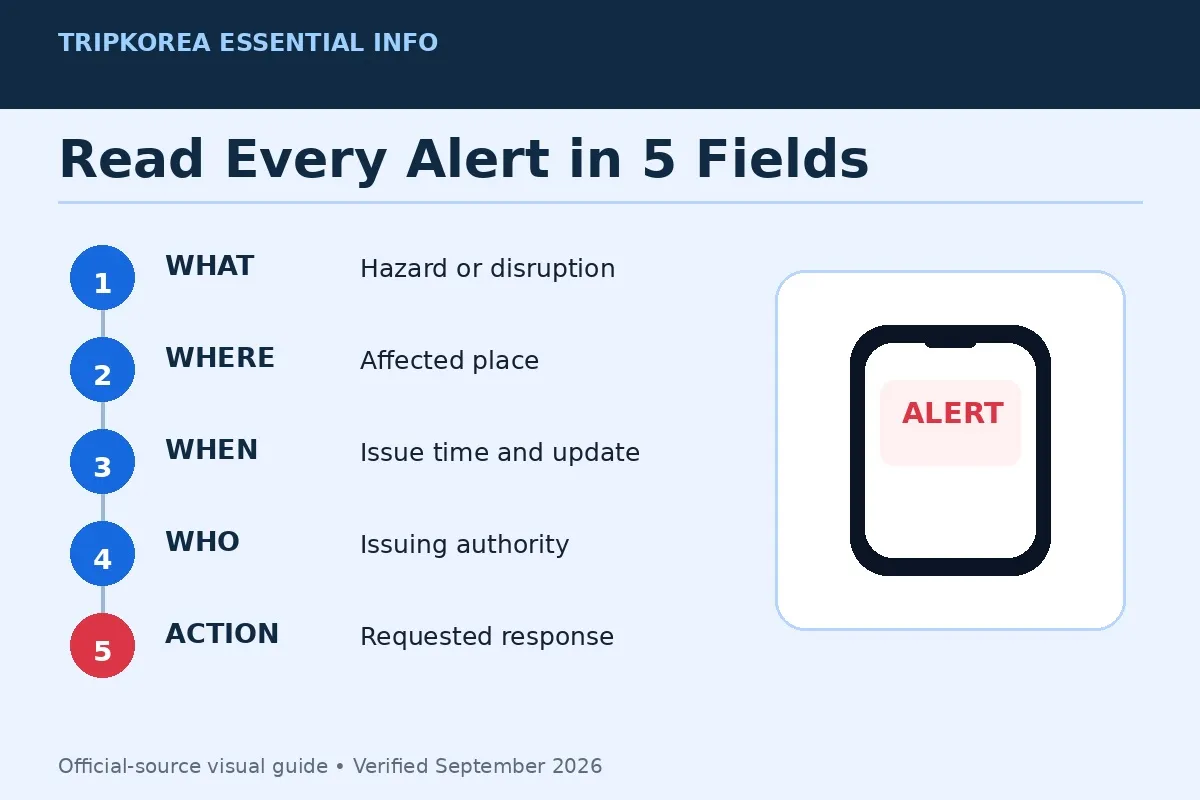
Not every alert will contain every field in the same format. If the place name is unfamiliar, copy it exactly into a Korean map service or ask accommodation staff to identify the administrative area. Do not infer that an alert is irrelevant solely because the English spelling differs from another map.
Step 4: Verify the message on SAFE KOREA
Open the SAFE KOREA Emergency Alerts page. Select the region first, narrow the city if needed, set an appropriate date range, and search a distinctive location or hazard keyword.
Compare the time and Korean place name, not just a translated summary. If several notices concern the same event, read the newest official entry and check whether it changes an earlier instruction. Keep the page open only as a reference; live directions from police, fire services, local authorities, station personnel, or accommodation management take priority at the scene.
Step 5: Open the matching safety guide
Use the SAFE KOREA Safety Guidelines and choose the hazard named in the alert. This avoids applying advice for one event to another—for example, treating a wildfire smoke notice as though it were an evacuation order, or treating a heavy-rain advisory as a general weather forecast.
Read the guidance for the actual event and follow any location-specific instruction in the live alert. When weather is involved, check the official KMA warning information for the relevant area and time.
Step 6: Find an appropriate facility
Emergency Ready includes location-based facility information. SAFE KOREA’s Facility Information Map also allows users to select a city and county or district and view categories including evacuation facilities, public medical facilities, and embassies.
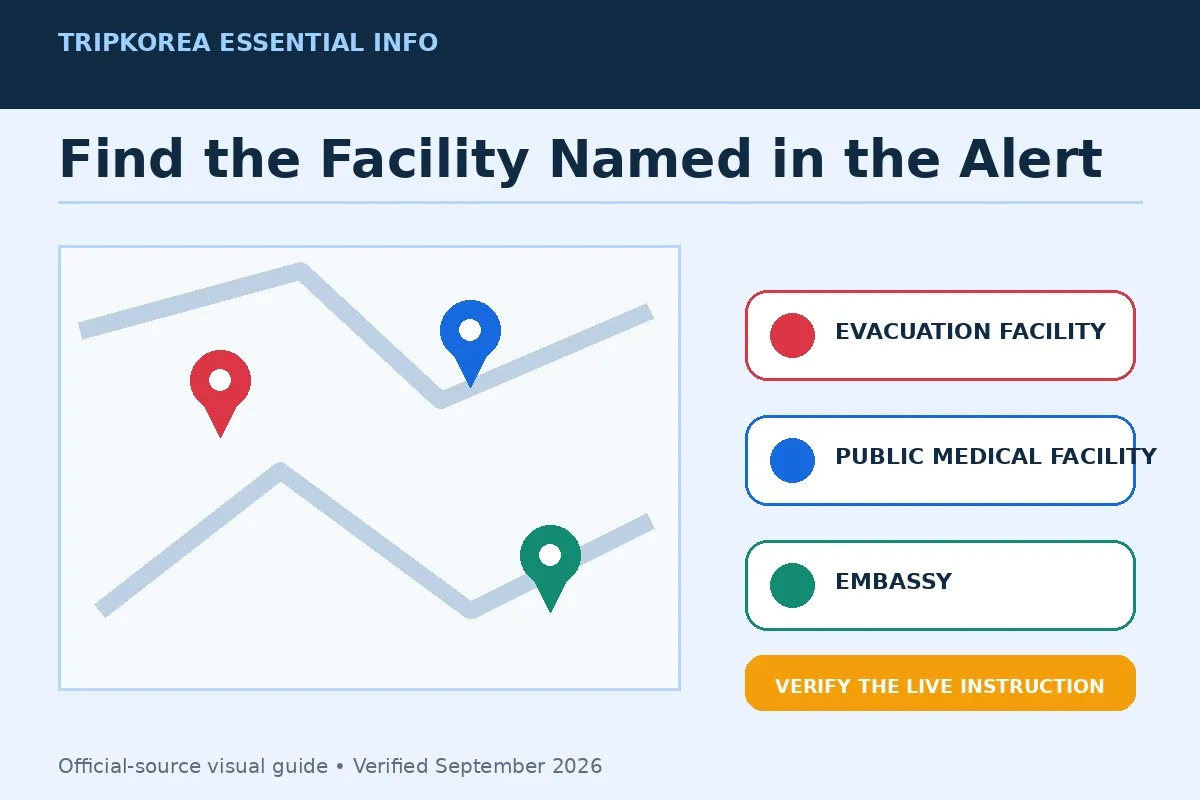
A shelter shown on a map is not automatically the correct destination for every incident. Use the facility category specified by the alert or responding authority. Check the route for closures or restricted areas, and do not cross a hazard zone simply because the map shows a nearby marker.
4. Pro Tips and Important Warnings
📍 TripKorea’s Pro Tip: Save the official pages
Bookmark the SAFE KOREA English home page, Emergency Alerts page, Safety Guidelines, and Facility Information Map before departure. A browser bookmark provides a backup route if an app notification is missed or you need to search a different region.
🚨 Important Warning: Do not use screenshots as live instructions
A screenshot can omit a later correction, cancellation, or extension. Reopen Emergency Ready or SAFE KOREA and check the issue time. For a weather hazard, consult current Korea Meteorological Administration information rather than a saved forecast.
Use more than one location check
Compare the alert’s Korean place name with your hotel address, station name, attraction address, and planned route. Administrative boundaries do not always match the neighborhood name a visitor recognizes. Accommodation staff, station personnel, or the 1330 Korea Travel Helpline can help clarify a location.
Keep a compact emergency contact list
Use the app and portal for information, but call the responsible service when immediate assistance is required.
- 119: Fire, ambulance, and rescue.
- 112: Police.
- 1330: Korea Travel Helpline for tourist information and interpretation support.
- 1345: Immigration Contact Center; from overseas, call +82-2-1345.
- 110: Government civil complaints and public-service information.
- BBB Korea 1588-5644: 24/7 interpretation support.
Prepare for limited connectivity
Record your accommodation’s Korean name, address, and telephone number. Keep a charged power bank and make sure at least one person in the group can access official alerts. If mobile data is unavailable, ask hotel, attraction, or transport staff for the latest government instruction rather than guessing from an old notification.
🗣️ Korean Phrase: “Is this area affected?” — I jiyeogdo haedangdoenayo? (이 지역도 해당되나요?)
🗣️ Korean Phrase: “Where is the nearest shelter?” — Gajang gakkaun daepiso-ga eodiyeyo? (가장 가까운 대피소가 어디예요?)
5. Frequently Asked Questions
What is the Emergency Ready App in Korea?
Emergency Ready is a disaster-safety information app operated by the Ministry of the Interior and Safety for foreign residents and visitors. Official 2026 materials list emergency alerts, safety guides, shelters, emergency facilities, police and fire stations, and embassy information among its functions.
How many languages does Emergency Ready support?
The Ministry of the Interior and Safety’s July 2026 update states that Emergency Ready provides 22 languages. Check the current app’s language menu because supported languages and individual content may change after an update.
Where can I read Korean emergency alerts in English?
Use the official SAFE KOREA Emergency Alerts page. It displays available English and Korean alert text together and allows searches by region, city, date range, and keyword.
Does every alert mean I must evacuate?
No. Alerts may provide warnings, closures, disruption notices, avoidance instructions, shelter directions, or other public-safety information. Read the action stated in the specific message and follow current instructions from the issuing authority.
How do I find a disaster shelter in Korea?
Use the shelter function in Emergency Ready or SAFE KOREA’s Facility Information Map. Select the relevant city and district, then verify that the facility type matches the current official instruction before traveling to it.
The safest way to use Korea disaster alerts is to configure Emergency Ready in advance, verify the place and time through SAFE KOREA, and follow the newest instruction issued for the affected area.
Sources & References
Official Government and Public Sources:
- Ministry of the Interior and Safety — Multilingual Disaster Information Update
- SAFE KOREA English Portal — Ministry of the Interior and Safety
- SAFE KOREA Emergency Alerts
- SAFE KOREA Safety Guidelines
- SAFE KOREA Facility Information Map
- Ministry of the Interior and Safety Emergency Ready Update via Seoul Tourism Organization
- Korea Meteorological Administration
- Visit Korea
- Hi Korea
- BBB Korea
Last verified: September 14, 2026.
Image Credits: Original TripKorea diagrams based on the Ministry of the Interior and Safety’s 2026 Emergency Ready update and the SAFE KOREA English portal.
Important: Alert services, translations, app interfaces, and safety instructions can change. Always verify the latest notice through the responsible Korean government authority.