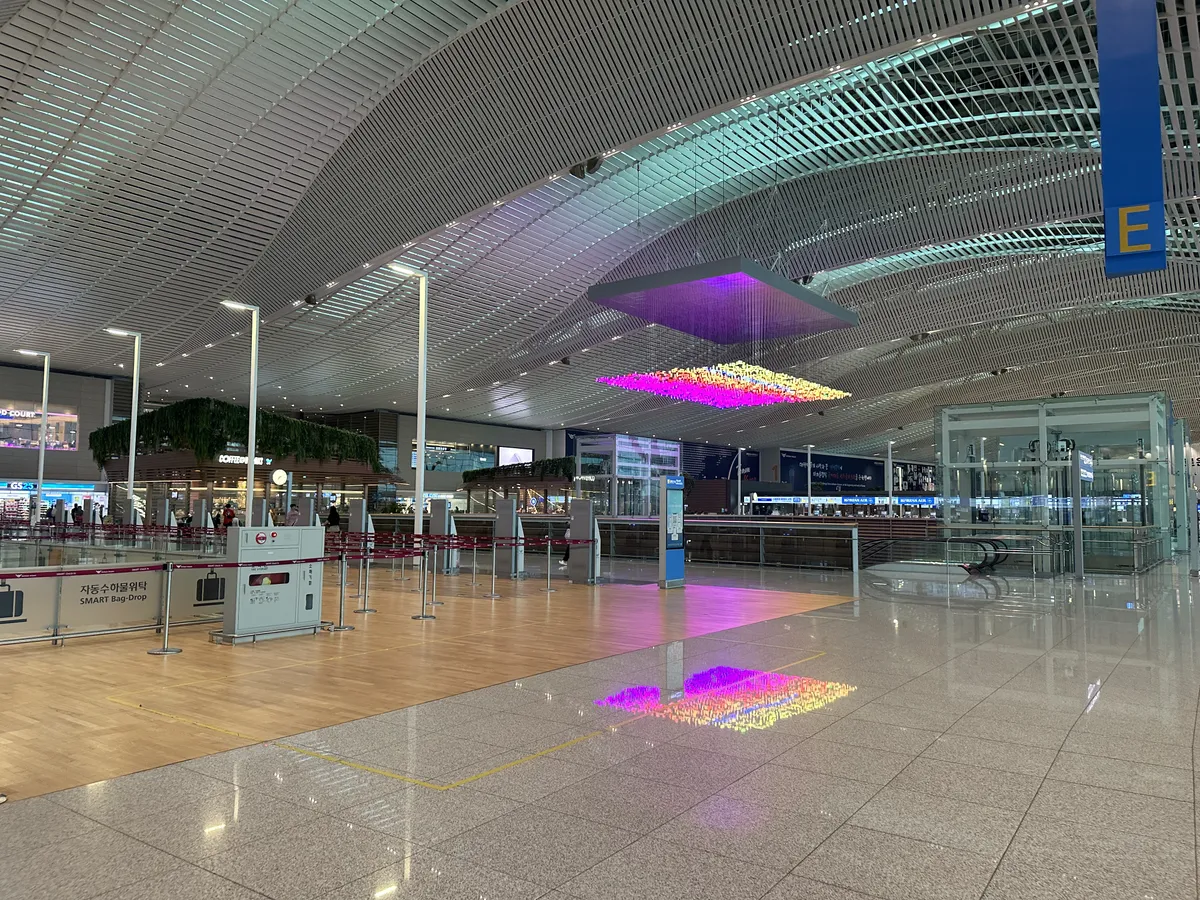
Korea SIM card vs eSIM decisions usually come down to three practical questions: whether your phone supports eSIM, whether you need a Korean phone number, and whether more than one traveler will share the connection.
This guide compares eSIM, physical SIM cards, pocket Wi-Fi, and public Wi-Fi for short-term visitors to Korea, with practical checks for airport arrival, map apps, authentication codes, and emergency communication.
1. The Problem: Korea SIM Card vs eSIM Is Not Only About Data
For many travelers, mobile data in Korea is needed before leaving the airport. Navigation, hotel check-in messages, ride-hailing, translation apps, QR tickets, and restaurant searches all depend on a stable connection.
The mistake is choosing only by headline data allowance. A plan can look suitable online but still be inconvenient if your phone is locked, if your device does not support eSIM, if the plan is data-only, or if the pickup counter is closed when your flight lands.
There are four common options for visitors:
- eSIM: a digital SIM installed by QR code or app before or after arrival.
- Physical SIM card: a removable SIM card inserted into an unlocked phone.
- Pocket Wi-Fi: a small portable router shared by multiple devices.
- Public Wi-Fi: free or shared Wi-Fi in airports, hotels, cafés, transport hubs, and some public places.
Each option can work for Korea travel. The right choice depends on your phone, trip style, luggage situation, and need for voice calls or SMS.

Before buying anything, check three items on your phone: carrier lock status, eSIM support, and whether your passport name matches the purchase or pickup details if required by the seller. Travelers should also keep a backup way to access booking vouchers offline, because airport Wi-Fi, roaming, or payment apps may not work immediately after landing.
Visit Korea lists 1330 as Korea's travel helpline and provides online call or chat access for foreign visitors. Its help widget notes that online calls have no call charge when used over Wi-Fi, although data charges may apply (Source: Visit Korea).
2. The Solution: Match the Connection Type to Your Trip
A simple decision rule works for most visitors. Choose eSIM if your phone supports it and you mainly need mobile data. Choose a physical SIM if your phone does not support eSIM or you specifically want a removable Korean SIM. Choose pocket Wi-Fi if several people will connect together or if you need to keep multiple devices online. Use public Wi-Fi only as a backup, not as your main connection.
eSIM is usually a quick option to start if your phone is compatible. You do not need to remove your home SIM, and many eSIM products are delivered by e-mail or QR code. This is useful when you want mobile data ready before immigration, baggage claim, or airport transport.
The key limitation is device compatibility. Some phones support eSIM only in certain regional models, and some phones sold through carriers are locked. A traveler should confirm this with the phone settings and home carrier before purchase.
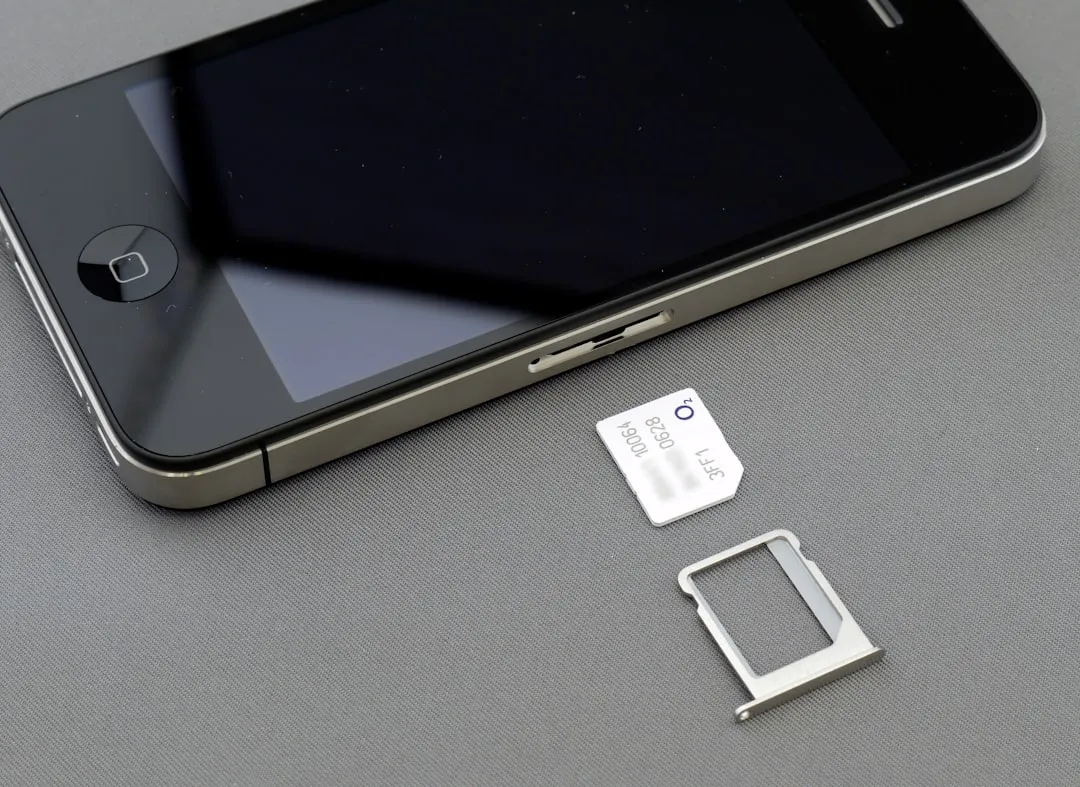
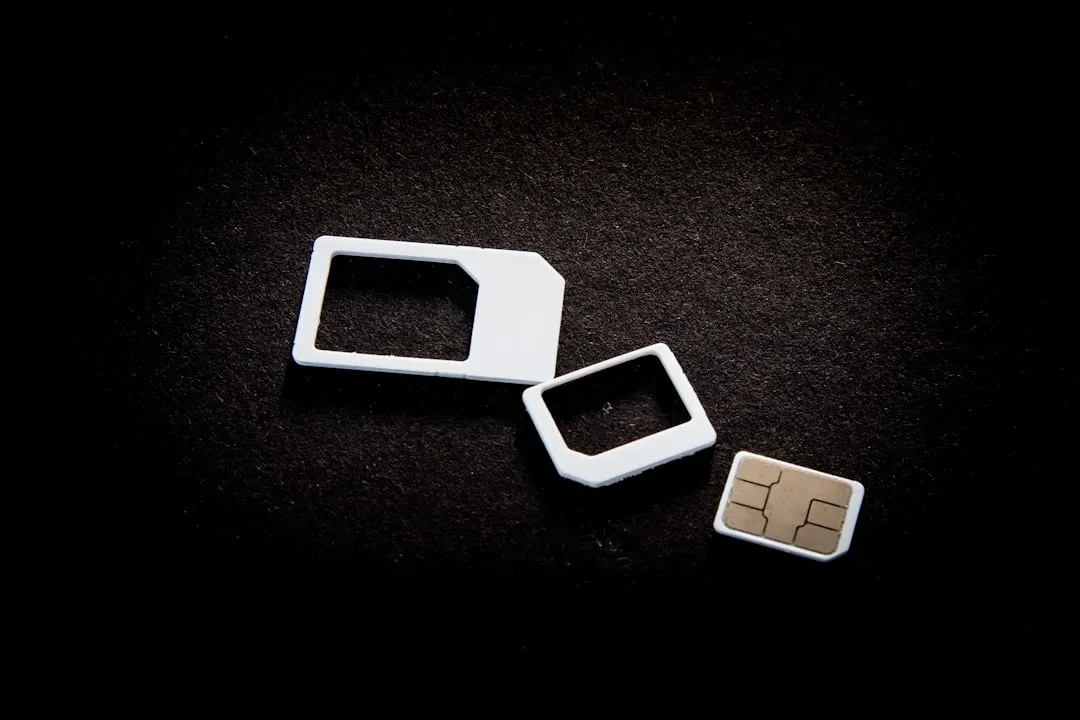
Physical SIM cards are useful when eSIM is not available on the device, or when a traveler prefers a conventional SIM swap. They may be sold as data-only plans or plans that include voice/SMS features, depending on provider and product.
The limitation is that your phone must be unlocked and able to use the SIM format provided. You also need to keep your original SIM safe after removing it. For dual-SIM travelers, decide in advance which SIM will handle data and which will stay active for banking or account verification messages.
Pocket Wi-Fi works like a portable router. It can be a good fit for families, couples, small groups, laptops, tablets, or travelers who do not want to change SIM settings. It can also keep multiple devices connected with one rental.
The limitation is that the device must be charged, carried, and returned. If the group separates, only the person holding the router has the connection. For late-night departures, confirm return instructions before leaving for the airport.
Public Wi-Fi is helpful for airports, hotels, cafés, and short checks, but it should not be the only plan for a Korea trip. Travelers still need a connection outside buildings, at bus stops, in taxi pickup zones, and while walking between subway exits.
Public networks may also require agreement screens or may not work smoothly with every device. Avoid using public Wi-Fi for sensitive account activity unless you are using your own security precautions.
3. Step-by-Step Guide to Choosing a Korea Travel SIM
Step 1: Check whether your phone is unlocked
A locked phone may reject a Korean SIM or may not allow another mobile plan to activate. Check this before departure with your home carrier or device settings.
If the phone is locked and cannot be unlocked before travel, pocket Wi-Fi becomes the more practical choice. It gives the phone internet through Wi-Fi without changing the SIM plan.
Step 2: Confirm eSIM support
Do not assume every recent phone supports eSIM. Some models vary by country, carrier, or device generation. If the phone settings include an option to add an eSIM or add a cellular plan, the device may support it, but the traveler should still confirm with the seller's compatibility list.
If there is any doubt, choose a physical SIM or pocket Wi-Fi. A simple option that works is better than a digital option that fails at arrival.
Step 3: Decide whether you need a Korean phone number
Data-only plans are enough for maps, translation, messaging apps, web search, social media, and most ticket QR codes. They may not support local voice calls or SMS.
A Korean phone number can be helpful when calling a hotel, restaurant, tour provider, clinic, or delivery service. However, app-based messaging and international calling apps can cover many short-trip situations if the provider and recipient support them.
For emergencies, Korea's core public numbers remain important: 119 for fire and emergency medical help, 112 for police, 1330 for tourist interpretation, and 1345 for immigration guidance. Keep these numbers saved offline.
Step 4: Match pickup and activation to your arrival time
Airport-pickup SIM cards and pocket Wi-Fi rentals are practical when the counter is open and the pickup location matches your terminal. E-mail-delivered eSIM can be practical when you want setup before boarding or during airport Wi-Fi access.
For late arrivals, early departures, or tight transfers, avoid any option that depends on a counter you cannot easily reach. If using pocket Wi-Fi, check both pickup and return points.

Step 5: Prepare your Korea apps before landing
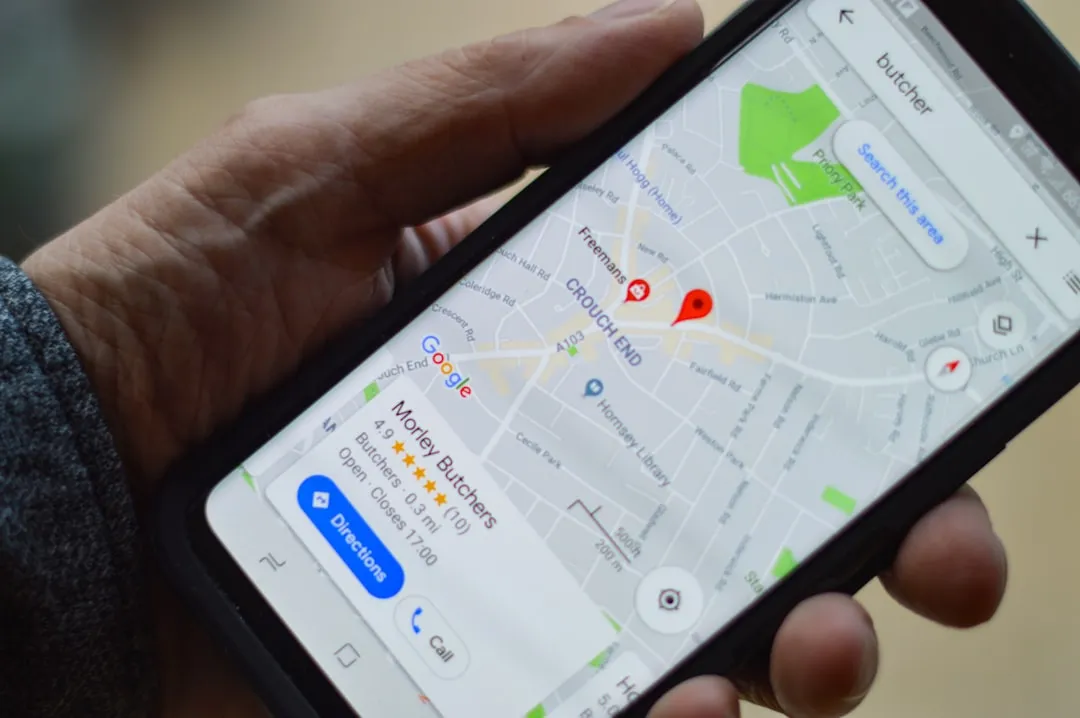
Install essential apps before departure while your home internet is stable. For Korea, Naver Map (네이버지도) and KakaoMap (카카오맵) are practical for local routing, subway exits, and Korean place-name searches. Papago is useful for Korean-English translation, menus, signs, and short conversations.
Download hotel addresses, booking vouchers, airport transfer details, and the name of your first destination in Korean. If the connection does not activate immediately, these saved details can still help at the airport, taxi stand, or information counter.
4. Pro Tips & Warnings for Korea Mobile Internet
💡 TripKorea's Pro Tip: If your phone supports eSIM, install the eSIM profile before departure but activate data according to the provider's instructions. Some plans start when installed, while others start when connected to a local network. Follow the seller's activation wording carefully.
🚨 Important Warning: Do not delete an eSIM profile unless the provider says it can be reinstalled. Some eSIM products allow only one installation. If you remove it by mistake, customer support may be required before it works again.
📍 Practical Choice: Solo travelers usually benefit from eSIM or a physical SIM. Groups often benefit from pocket Wi-Fi if they move together. Business travelers may prefer a SIM or eSIM because it stays with the phone even when moving alone.
🗣️ Korean Phrase: "Wi-Fi password, please" is Wi-Fi bimilbeonho juseyo (와이파이 비밀번호 주세요). "Does this include a phone number?" is Jeonhwa beonho pohamdoenayo? (전화번호 포함되나요?).
For navigation, keep the phone battery level in mind. A travel SIM is less useful if the phone dies during a transfer. Carry a power bank where airline rules allow it, and save your hotel address in both English and Korean.
For account verification, remember that some banks, ride-hailing apps, and messaging services may send codes to your home number. Keeping your home SIM active for SMS while using a Korea data eSIM can be useful if your phone supports dual-SIM operation.
For public Wi-Fi, treat the network as a temporary tool. It is suitable for checking maps, opening the 1330 online help page, or downloading a voucher, but a dedicated SIM, eSIM, or pocket Wi-Fi is more reliable for moving around the city.
TripKorea lists Korea eSIM, airport-pickup SIM card, and pocket Wi-Fi options in one place. Compare delivery method, pickup point, device compatibility, and whether the product is data-only before booking: Book Your Korea SIM, eSIM, or Pocket Wi-Fi.
5. FAQ: Korea SIM Card vs eSIM
Is eSIM better than a physical SIM card in Korea?
eSIM is often easier if your phone supports it because there is no physical card to pick up or insert. A physical SIM is better if your device does not support eSIM or if you prefer a removable SIM. The better choice depends on your phone, arrival time, and whether you need data-only service or a Korean phone number.
Can I use pocket Wi-Fi instead of a SIM card in Korea?
Yes. Pocket Wi-Fi can connect several devices and can be useful for groups, laptops, or tablets. The trade-off is that you must charge, carry, and return the router, and the group loses shared internet when separated.
Do I need a Korean phone number for a short trip?
Not always. Many tourists can manage with data-only service for maps, translation, messaging, QR tickets, and web search. A Korean number may help when making local calls, contacting accommodation, or using services that require local phone verification.
Will public Wi-Fi be enough for traveling in Korea?
Public Wi-Fi is useful as a backup, especially in airports, hotels, cafés, and transport hubs. It is not ideal as the only connection because travelers need data while walking, riding taxis, finding subway exits, and handling sudden schedule changes.
What should I check before buying a Korea travel SIM?
Check whether your phone is unlocked, whether it supports eSIM, whether the plan includes a phone number, and how activation works. If using airport pickup or pocket Wi-Fi rental, confirm pickup and return locations before arrival.
Stay Connected in Korea
For most visitors, a practical plan is to arrange mobile data before arrival, save key travel details offline, and keep emergency numbers visible. Korea SIM card vs eSIM choices are more straightforward when you decide by device compatibility first, then by trip style.
Compare Korea eSIM, SIM Card, and Pocket Wi-Fi Options
Sources & References
Official Tourism Sources:
- Visit Korea — Travel basics, visitor resources, and 1330 Korea Travel Helpline access.
- Visit Seoul — Seoul travel information and visitor support resources.
Emergency & Traveler Helplines:
- 119 — Fire and emergency medical help
- 112 — Police
- 1330 — Korea Travel Helpline and tourist interpretation
- 1345 — Immigration Contact Center
- BBB Korea 1588-5644 — Interpretation support
Image Credits: SIM cards: User_Pascal / Unsplash. Airport smartphone: Marco López / Unsplash. Wi-Fi sign: Dreamlike Street / Unsplash. Phone map: henry perks / Unsplash. Airport waiting area: Manki Kim / Unsplash. Smartphone and travel setup: Brett Jordan / Unsplash.
Last verified: 2026-08-14
Mobile plans, pickup counters, activation rules, and public Wi-Fi access can change. Always verify product details with the provider and use official tourism or helpline channels for urgent travel assistance.