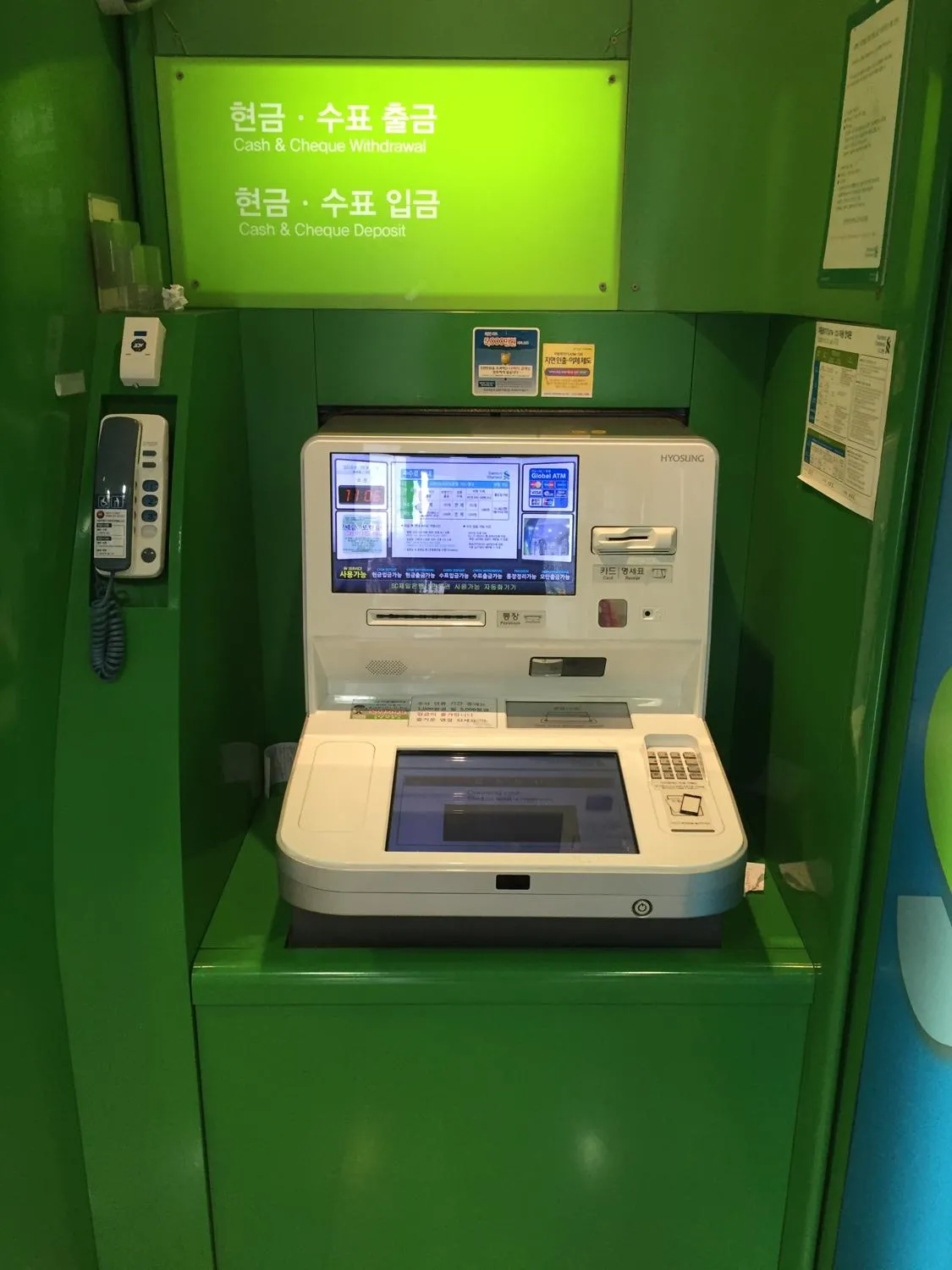
Using ATMs in South Korea means finding a machine that supports your foreign-issued card, then reviewing the withdrawal and currency-conversion terms before confirming. This guide covers withdrawing Korean won (KRW), from card preparation to collecting your cash; it does not assume that every bank uses the same screens.
Korea-specific compatibility guidance is separated below from Visa and Mastercard’s worldwide cardholder advice. The photographs illustrate machines and preparation, not a tested sequence on a current ATM model.
1. Prepare Your Card for Korean ATMs
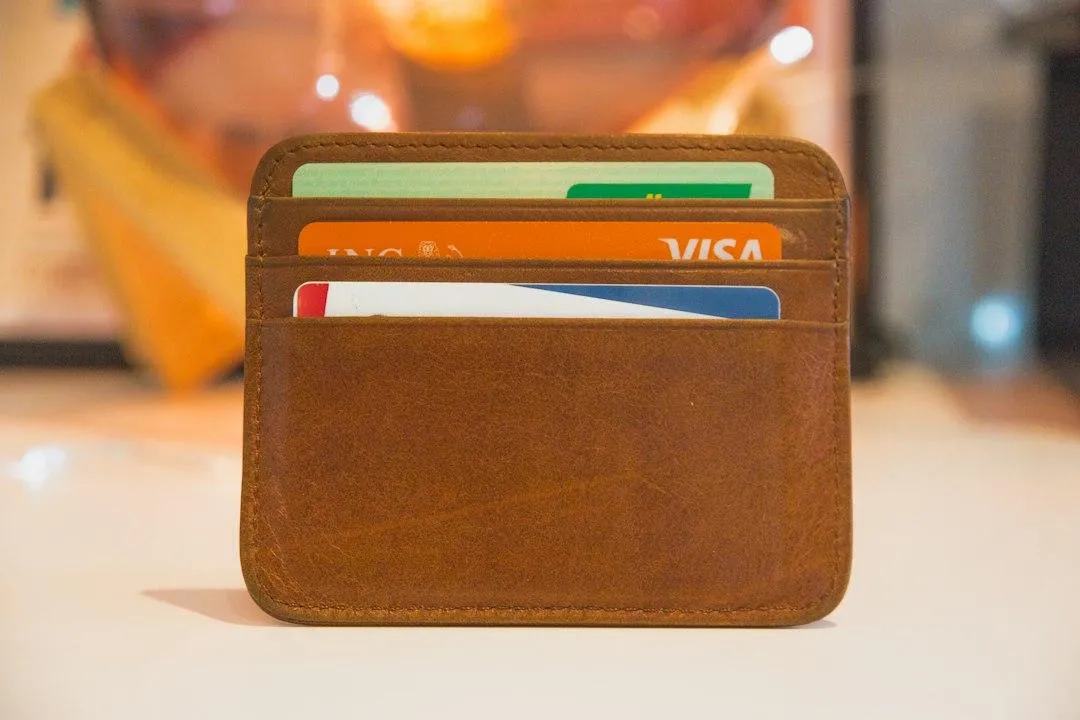
Before departure, identify which physical card you intend to use for cash withdrawals and know its PIN. Visa’s travel guidance also tells cardholders to know their daily ATM withdrawal limit, card expiry date, account balance and available funds. Keep the issuer’s support details somewhere accessible separately from the card.
Resolve travel settings with the issuer before you need cash. Ask specifically about overseas ATM withdrawals, not only purchases abroad: these are different transaction types. Follow your card’s actual requirements rather than assuming that every issuer needs a travel notification or offers the same activation switch.
Debit withdrawal or credit cash advance?
The distinction changes what you are agreeing to. Bank of America’s consumer guidance explains that a debit-card withdrawal accesses your own funds, while a credit-card withdrawal is borrowing, known as a cash advance. Cash advances generally carry a transaction fee and may start accruing interest immediately; the applicable rates and limits belong to your particular card agreement.
Read those terms before choosing a credit card as your cash source. Mastercard also warns that some prepaid and gift-card issuers do not permit ATM or foreign transactions. A payment-network logo alone does not establish that the card’s issuer allows this use.
2. Find a Compatible ATM
Start with the machine’s foreign-card information and the network supported by your card. The Institute for Basic Science’s Korea living guide notes that not all machines accept foreign-issued cards and that language options vary. Its older illustrated screens are not a current menu template, but the distinction between domestic and overseas-issued cards is important.
For JCB cardholders specifically, JCB’s Korea information, dated January 30, 2026, says cards issued outside Korea can only be used at Global ATMs. That is JCB guidance, not a promise that every Global ATM accepts every Visa, Mastercard or other card.
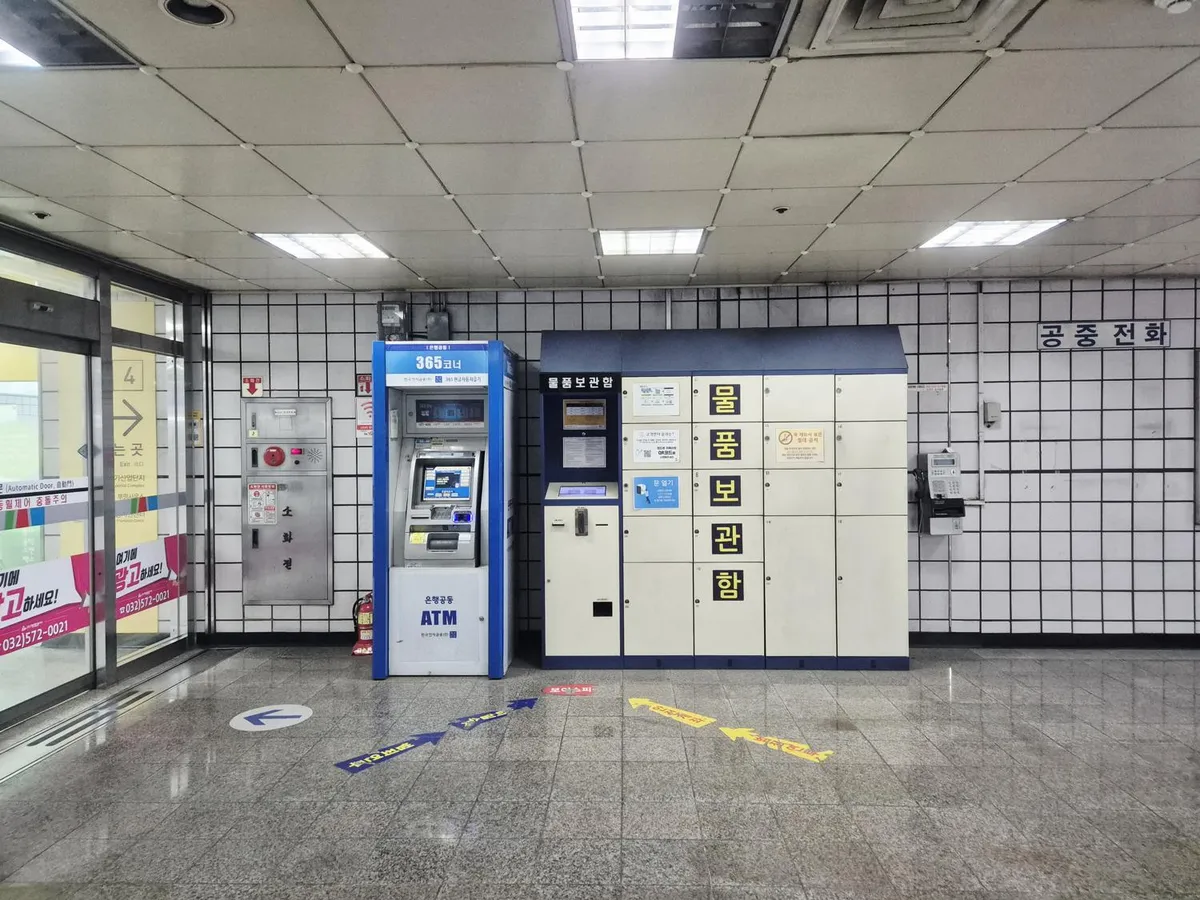
For Mastercard, the network’s ATM locator lets you search by city and narrow the result by an address or financial institution. Use it as a location lead, then check the actual machine. Do not infer a particular ATM’s foreign-card support from the bank’s name, an English sign, or the fact that another machine nearby worked.
Choose a location where you can read the screen and observe your surroundings. Mastercard’s general safety guidance advises choosing another ATM if a machine is poorly lit or obstructed from view. Do not build your cash plan around an assumption that every ATM location is accessible around the clock.
3. Using ATMs in South Korea
Follow the screen, not a memorized button path
Choose a language you understand and follow the machine’s prompts for your card. If the machine distinguishes domestic from overseas-issued cards, use the route appropriate to your foreign-issued card. If it offers no suitable route, cancel rather than selecting a Korean domestic-card option simply to continue.
Mastercard’s general ATM instructions describe inserting the card, selecting a language, entering the PIN, and following prompts for the account and withdrawal amount. Use that as an outline, not a guaranteed order on every Korean machine. Account options and button labels can differ; this guide does not prescribe a universal checking or savings choice.
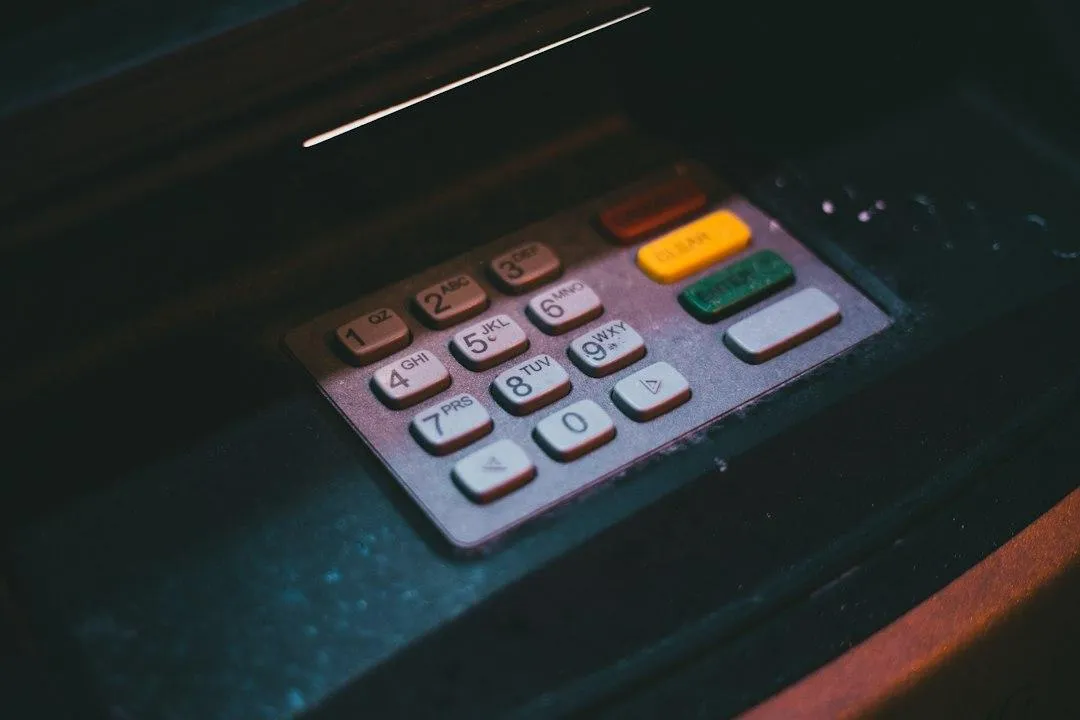
Shield the keypad when entering your PIN, even when nobody appears to be watching. Enter the withdrawal amount as Korean won, Korea’s local currency, and read the confirmation screen before accepting it. Compare the amount with the funds and daily limit you checked before travel; JCB also notes that ATM withdrawal limits may vary.
Separate the fee from the conversion offer
There can be more than one cost decision. Mastercard’s current FAQ distinguishes fees charged by the ATM owner from the issuing institution’s ATM-fee policy. It says the owner’s fee is disclosed when the transaction is initiated, with an option to discontinue if you do not wish to pay it. A fee shown by the ATM is therefore not proof that your issuer will add nothing.
A separate offer may ask whether to bill your card in your home currency. This is dynamic currency conversion (DCC): you still receive local cash, but the ATM’s conversion determines a home-currency billing amount. Visa says the offer should show both currency amounts, the exchange rate, and any additional fee or markup, and give you a choice rather than selecting for you.
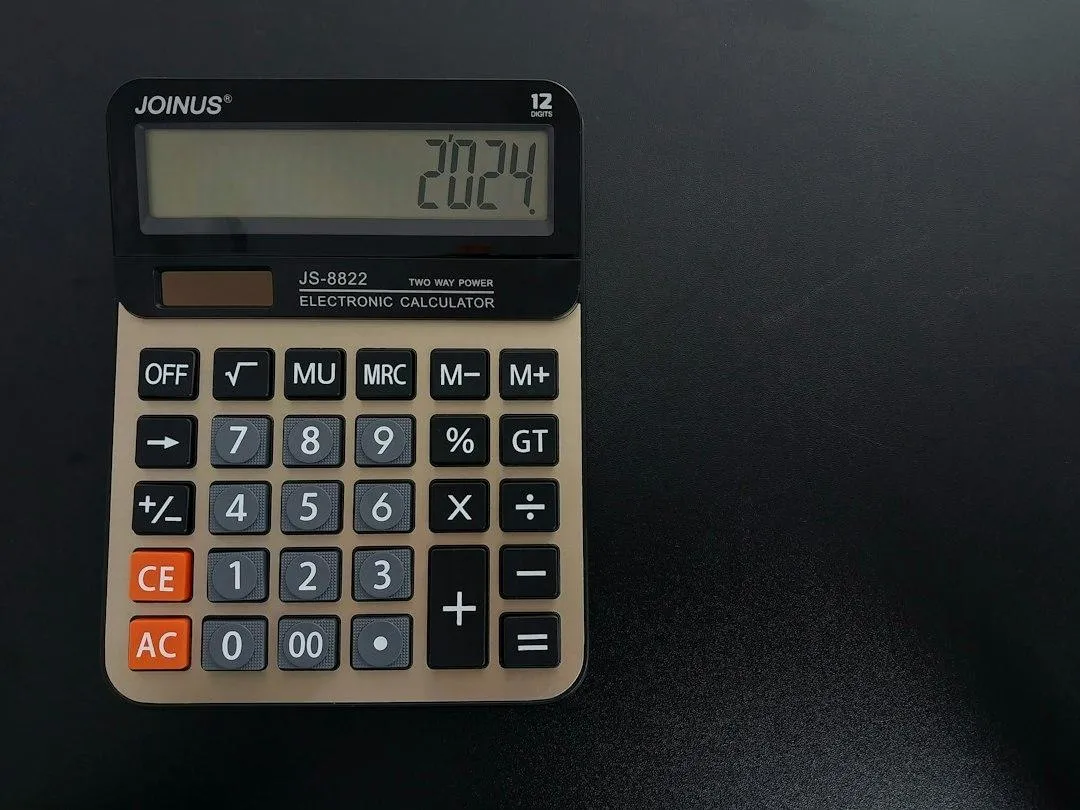
If you do not want the ATM’s conversion, decline that conversion offer and choose the local-currency route when available. Read the whole choice rather than relying on a button’s color or on wording remembered from another machine. Declining conversion and canceling the withdrawal are different decisions; do not assume that rejecting DCC cancels every other charge.
Before final confirmation, be clear about three things: the KRW cash requested, any disclosed ATM-owner fee, and whether you accepted a home-currency conversion. Do not confirm terms you cannot understand. This guide does not rank a cheapest bank or quote a nationwide fee because card and transaction conditions differ.
4. Finish and Check the Transaction
Follow the final prompts until the session is finished. Retrieve your card, cash and any receipt without assuming a universal collection order. Mastercard advises putting these away promptly and counting your money later rather than remaining at the machine with cash exposed.
Keep the receipt until you have checked the transaction against your account statement. Review the withdrawal amount and any charges separately: the amount of cash received and the amount ultimately billed to the account need not be expressed in the same currency.
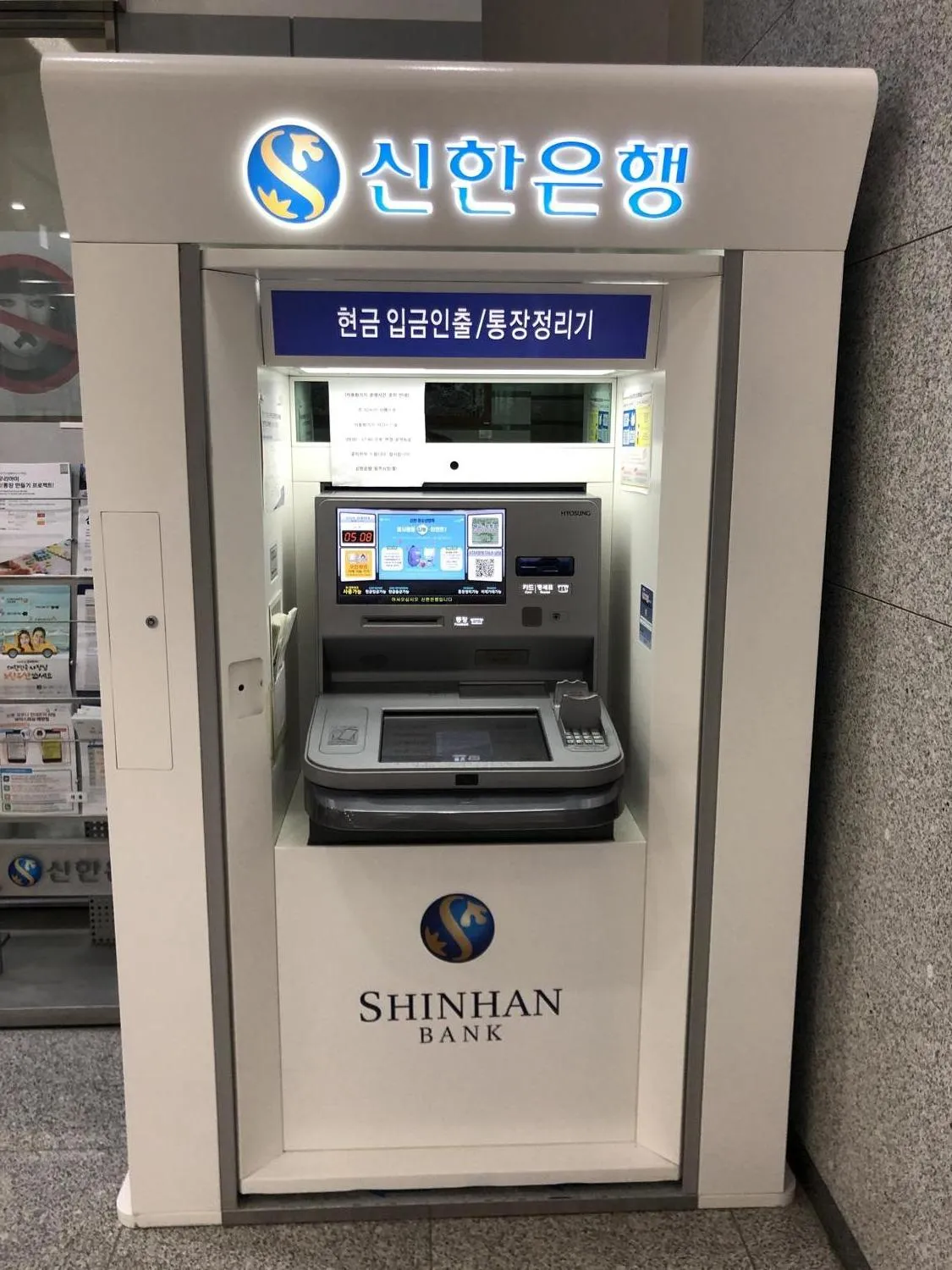
If the card is declined or the result looks wrong
A declined attempt does not establish that your card will fail at every Korean ATM. First revisit the relevant checks: the actual machine’s foreign-card support, the card’s permitted ATM use, your PIN, available funds and withdrawal limit. Do not change digits in a PIN or guess an account route to force the transaction through.
Mastercard directs cardholders with ATM-acceptance problems to the bank that issued their card. Its dispute guidance likewise says the issuer handles transaction disputes. If your account shows a withdrawal that does not match what happened, retain the available receipt and transaction details for that conversation; do not assume a reversal deadline or a refund guarantee.
5. Frequently Asked Questions
Can I use a foreign-issued card at any Korean ATM?
No. Check the machine’s foreign-card support and your card’s network and permissions. JCB specifically directs overseas-issued JCB cards to Global ATMs in Korea; that does not establish universal acceptance for other networks.
Which PIN should I use at an ATM in Korea?
Use the PIN assigned to that card, not a number guessed from a local example. Visa advises knowing your PIN before travelling; if you do not know it, resolve that with the issuer before using the machine. Do not shorten or pad digits to match an assumed Korean PIN length.
Does choosing KRW remove all withdrawal fees?
No. Billing in local currency avoids accepting the ATM’s home-currency conversion offer, but ATM-owner fees and issuer charges are separate questions. Review the displayed fee and your card agreement.
Is an ATM withdrawal with a credit card the same as debit?
No. A credit-card withdrawal is generally a cash advance rather than access to money in a debit-linked account. Fees, interest and the available cash-advance limit depend on the card’s terms.
What should I do if an ATM rejects my card?
Check the actual machine’s foreign-card support and revisit your card’s permitted ATM use, available funds and daily withdrawal limit. If the problem remains, contact the card issuer. Do not keep changing PIN digits or selecting account options you do not understand.
Using ATMs in South Korea starts with a compatible card and ends with a checked transaction: understand the terms, secure your card and cash, and retain the record. For spending decisions after withdrawing, read TripKorea’s Cash or Card in Korea guide.
Sources & References
Korean official tourism and institutional sources: Korea Tourism Organization: Korean currency; Institute for Basic Science: ATMs in Korea. The IBS page is an older practical institutional guide, not current bank operating terms.
Card-network and issuer sources: JCB: Korea Global ATM guidance, January 30, 2026; Visa: travel preparation; Visa: dynamic currency conversion; Mastercard: ATM fees, locator, card permissions and disputes; Mastercard: general ATM process and safety; Bank of America: cash advances. Network and issuer sources are not Korean government rules.
Last verified: October 27, 2026. Machine interfaces, acceptance and card terms can change. Documentary ATM photographs dated 2016, 2020 and 2025 do not certify current interfaces or service availability.
Image Credits
Seoul ATM (2016): Lofor / Wikimedia Commons — CC BY-SA 4.0. Resized and converted to WebP; adapted photograph remains under the same license.
Cardholder preparation: Stephen Phillips - Hostreviews.co.uk / Unsplash — Unsplash License. Resized and converted to WebP.
Galsan station ATM (2025): Narubaru7 / Wikimedia Commons — CC BY 4.0. Resized and converted to WebP.
Keypad detail, location unspecified: Erik Mclean / Unsplash — Unsplash License. Resized and converted to WebP.
Calculator, illustrative: dostonxd / Unsplash — Unsplash License. Resized and converted to WebP.
Wonju City Hall ATM (2020): Choi Kwang-mo / Wikimedia Commons — CC0. Rotated upright, resized and converted to WebP.
Chip card, illustrative: Markus Winkler / Unsplash — Unsplash License. Resized and converted to WebP.