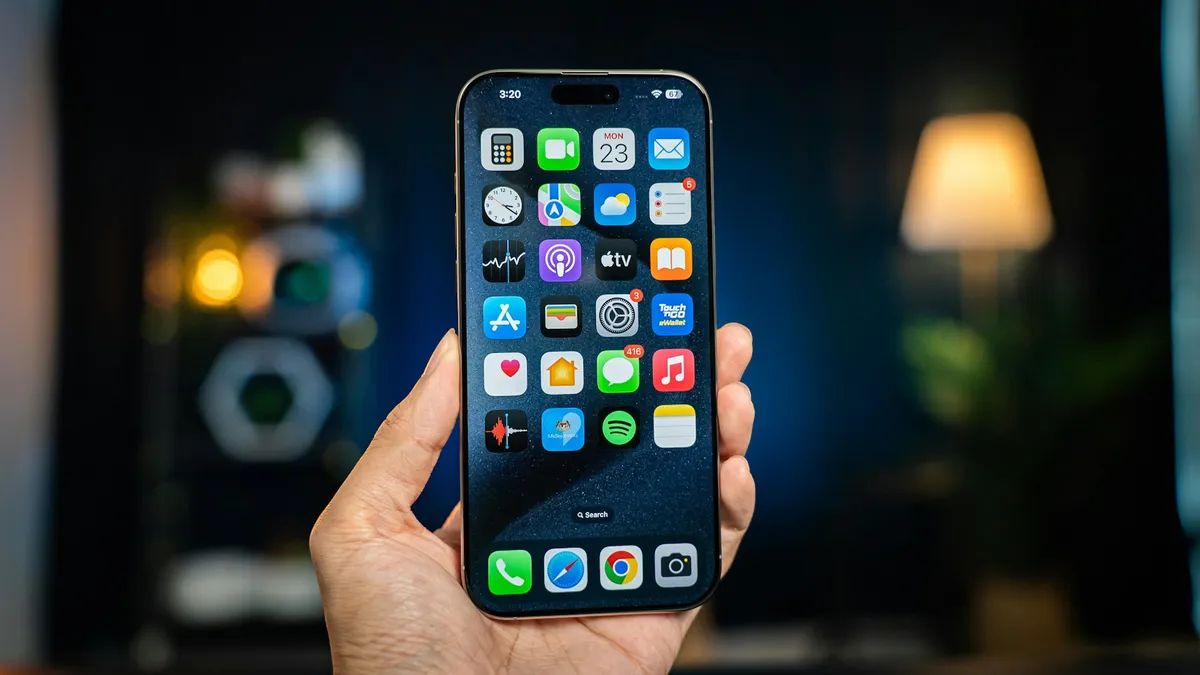
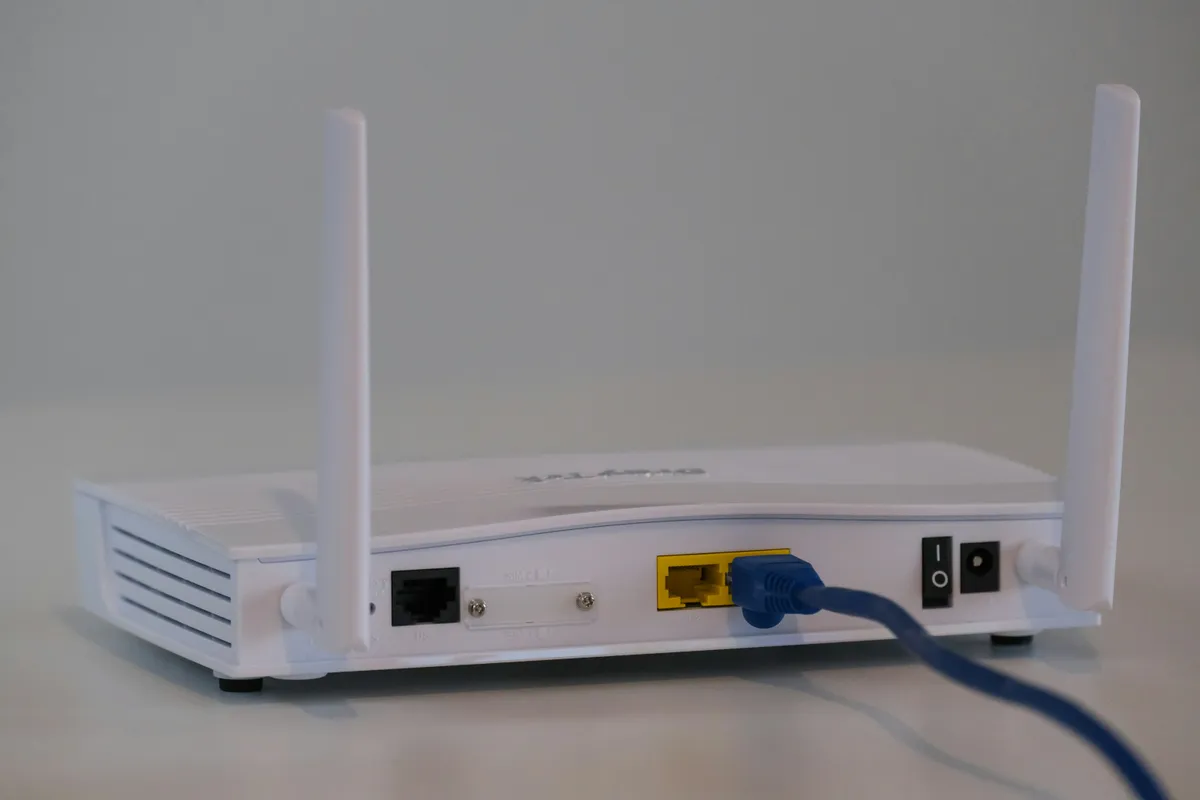
A Korea pocket WiFi rental connects phones, tablets and laptops through a portable router that you collect, charge and return. This guide covers those rental steps, using KT’s own reservation page and user guide as a documented example; other providers and booking channels set their own conditions.
The Korea Tourism Organization’s communications guide lists airport WiFi egg rentals and directs visitors to providers for fees and counter details. If you are still choosing a connection type, read the separate Korea SIM card and eSIM guide first.
1. Reserve Your Korea Pocket WiFi Rental
Set the dates and the two airport locations
Start with your arrival and departure flights. Note the airports, terminals and local dates, including a departure after midnight. Your rental needs to cover the period from collecting the router until handing it back, not simply the nights in your accommodation.
On KT’s reservation page, choose the daily or monthly plan and quantity, then the pickup and return dates. The form has separate pickup-center and return-center fields, followed by a pickup-time selection. Its airport choices are Incheon Terminal 1, Incheon Terminal 2, Gimpo and Gimhae. Match both fields to your itinerary; do not select Incheon T1 merely because your flight lands somewhere at Incheon.
Check the selected center’s opening hours before proceeding. An arrival time is not the time you will reach the public counter. If your flights use different airports or terminals, resolve the return selection before paying rather than assuming that any telecom desk can accept the unit.

Read the price and payment stages separately
KT’s current router page lists a daily rental of KRW 4,400 and a monthly rental of KRW 55,000 for 30 days, with VAT included. For that monthly offer, days beyond 30 cost KRW 3,300 each, payable when returning the router. The linked user guide states that the monthly plan is non-refundable. These are KT’s listed terms, not nationwide prices or a quotation for another seller.
The monthly prepayment, a deposit requirement and any amount due at return are different things. Review the total and selected period on the reservation page; do not treat a prepaid rental fee as removing the need for a deposit card. KT’s rental terms count a day even when use is less than 24 hours, so do not assume that collecting in the evening buys a rolling 24-hour period.
Enter the pickup person’s given and family names in capital letters exactly as shown in their passport, and an accessible email address. Review the dates, quantity, centers, total and consent terms before following the online-payment prompt. Keep the resulting reservation and payment confirmation available for collection, including an offline copy.
2. Bring Your Documents and Collect the Kit
For this KT rental, bring your passport or alien registration certificate and a credit card in your own name. KT requires that credit card for the deposit, with an expiry date more than three months away. A debit card cannot be used for the deposit.
KT also states that payment with credit or debit cards issued in Korea is not accepted. A debit card that works for other travel purchases therefore does not establish that you meet this rental’s deposit requirement. Confirm any card-acceptance question with KT before committing to the booking; do not plan to use a companion’s card instead of the named renter’s required card.
Find the roaming center, not an airline counter
The KT counter directory lists these first-floor arrival-area locations. Check it again before travel, especially for a late arrival or early return:
Incheon T1, near Arrival Hall A, opposite Exit 2: 06:00–22:00.
Incheon T1, near Arrival Hall F, opposite Exit 13: 24 hours.
Incheon T2, near Arrival Hall A, opposite Exit 4: 24 hours.
Gimpo, beside Exit 1: 06:30–23:00.
Gimhae, between Exits 2 and 3: 06:00–22:00.
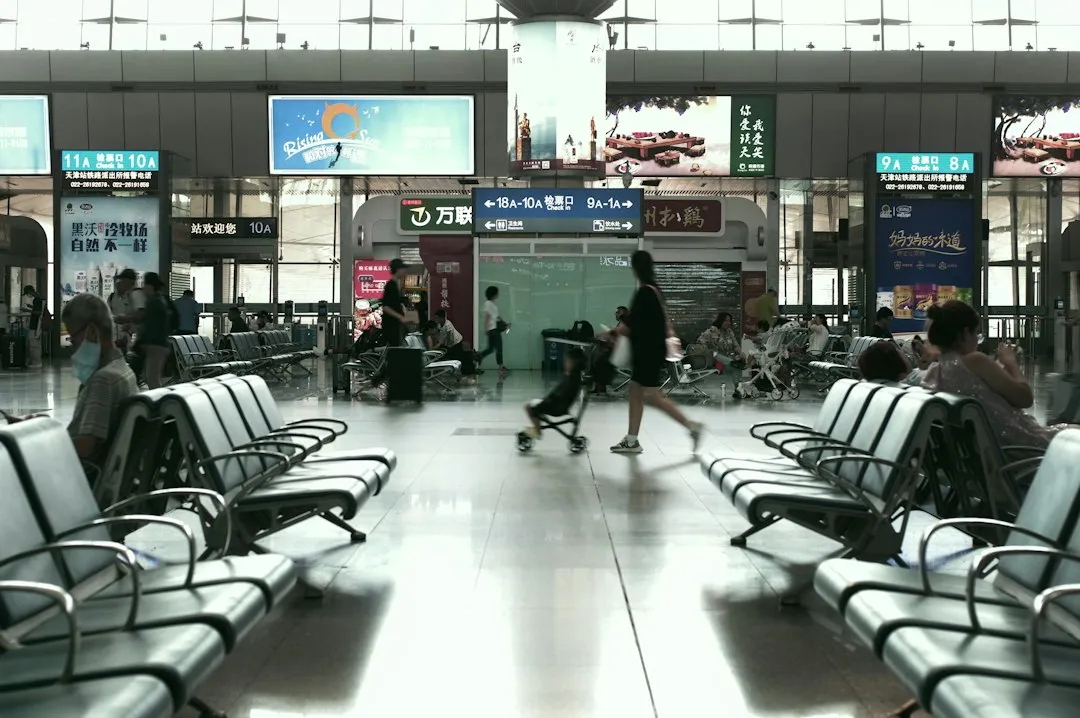
Use your reservation to identify the provider and collection location. The airport photograph illustrates terminal surroundings, not the location of a KT desk. For the preceding immigration, baggage and customs sequence, use the separate Incheon airport arrival guide.
At collection, check the router and every accessory recorded on your rental agreement. Ask staff to identify the charging cable, any supplied adapter or case, and the items that must come back. Look for existing damage and ask staff to record it before you leave. Keep the kit together rather than mixing its cable with your own equipment.
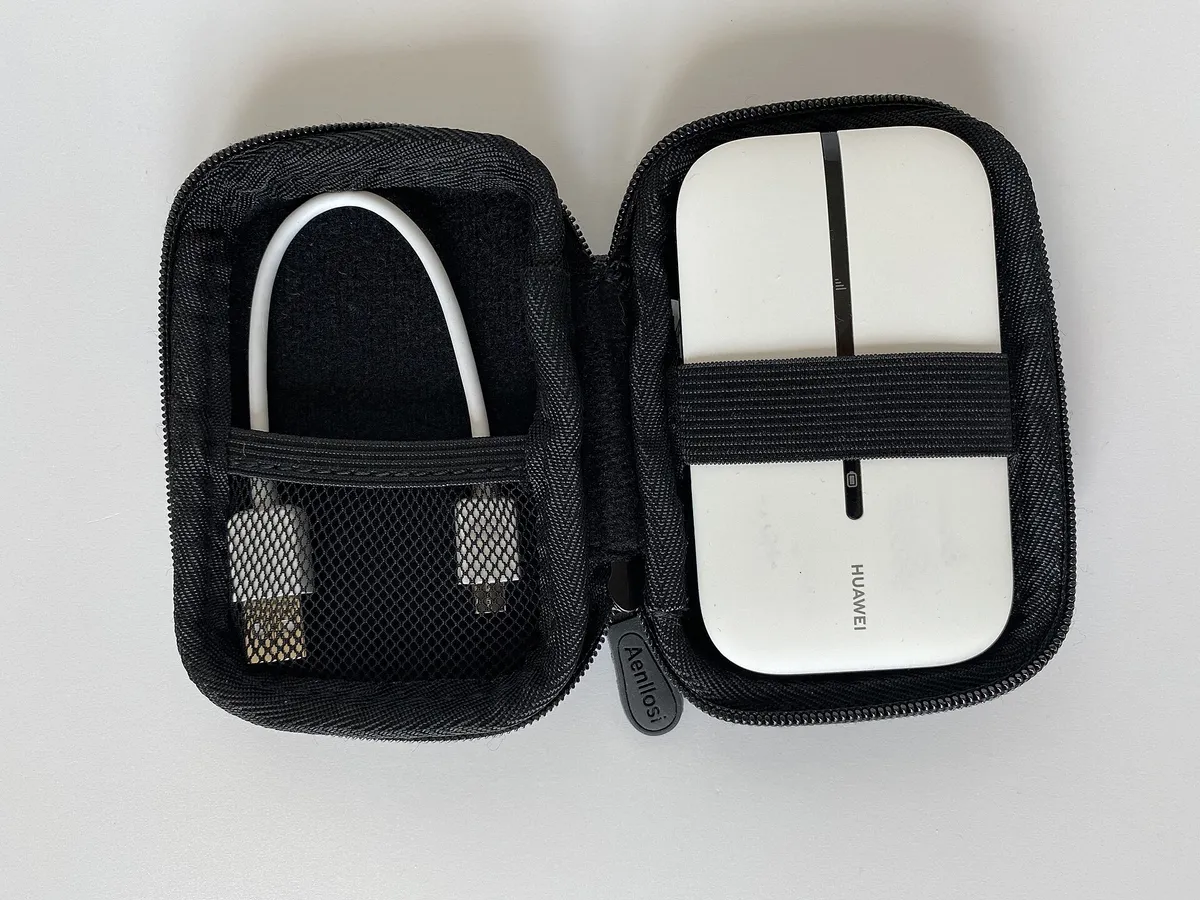
KT’s reservation page says that the device cannot be designated in advance and may change. Confirm the model you actually receive, how to charge it and the return arrangement. The router and carrying-case photographs are representative equipment, not promises about KT’s supplied model or included accessories.
3. Connect, Charge and Share the Router
Follow KT’s connection instructions: hold the power button for three seconds, switch on WiFi on your phone or computer, and select the router’s network name, called its SSID. Enter the password shown on the sticker attached to the router, then check the connection. Use your unit’s details, not an example network name copied from a guide.
Connect the other devices while the kit is still together and ask the counter for help if the first connection does not work. This is a WiFi connection to the rented router; it is not a SIM-installation or eSIM-activation step on each phone.
Charge the unit you receive
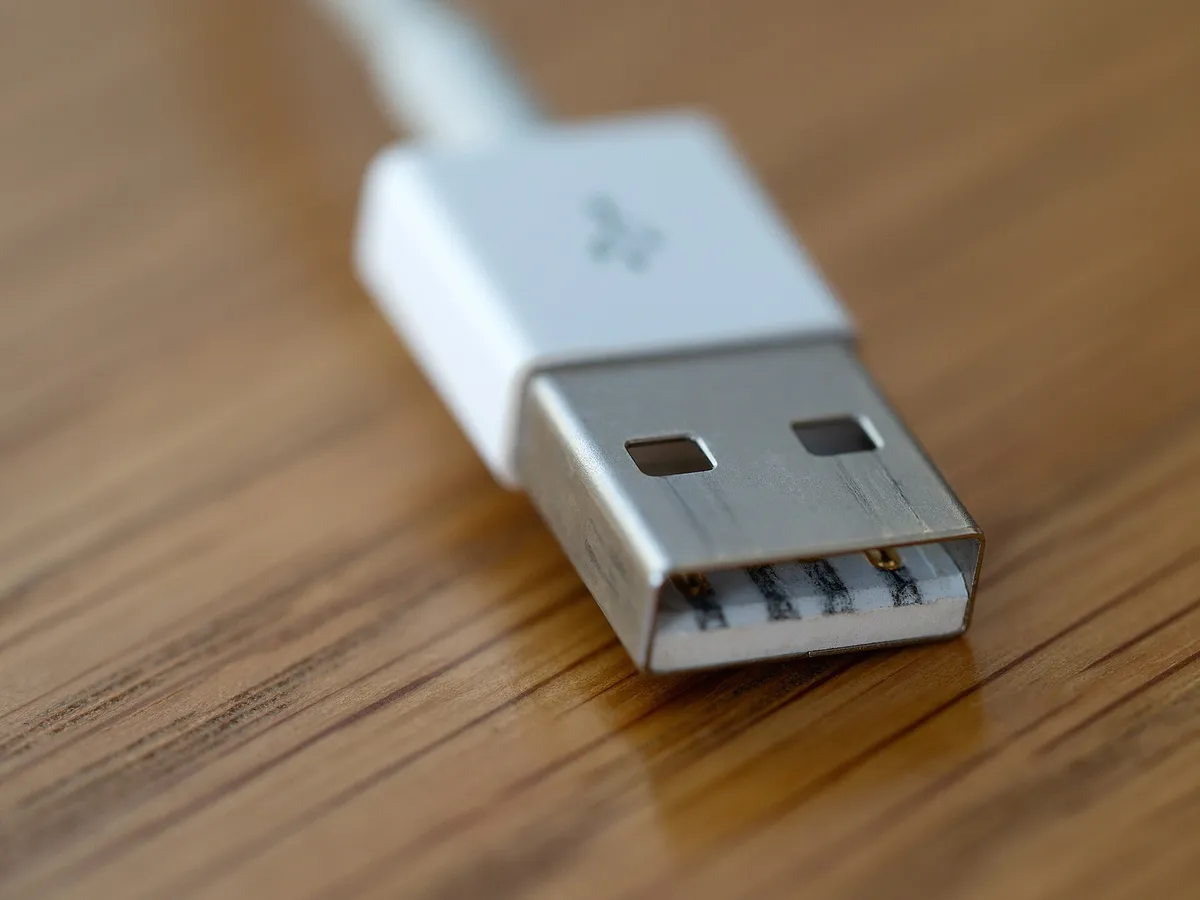
Check the charge level before leaving each day and use the charger instructions for your allocated model. KT’s manual refers to its supplied/proprietary charging adapter; ask staff to show the correct connection. A photograph of a USB-A plug does not identify the connector at your router’s end.
Battery specifications differ. KT’s product page lists 10 hours for the MKL-E2000 and 30 hours for the HW-E5885, alongside other models. These are listed battery-use specifications, not a guarantee for your day’s actual use or a right to receive the longer-running model. Build charging into your routine rather than choosing a rental on the largest battery figure alone.
Keep the sharing group within the router’s connection
KT’s user guide recommends a maximum of three connected devices, including phones, tablets and computers. That is a usage recommendation, not the separate limit of four rental units per person. Count all the devices you want online, not just the people traveling.
The guide describes LTE service at up to 20 Mbps; do not read that as a guaranteed speed for every connected phone. It also notes that service may be limited in places such as rural areas or inside buildings. Keep the router with the people using it, and agree who will carry and charge it. A person leaving its WiFi range should not expect the shared connection to follow them.
4. Extend the Rental or Return It Before Immigration
If you need longer, contact KT’s customer center rather than simply keeping the router past the booked return date. Its product page gives +82-2-2190-0901, with option 6 for foreign customers. The center page lists foreign-language assistance Monday–Friday, 09:00–18:00, excluding holidays; that is different from the opening hours of an airport counter.
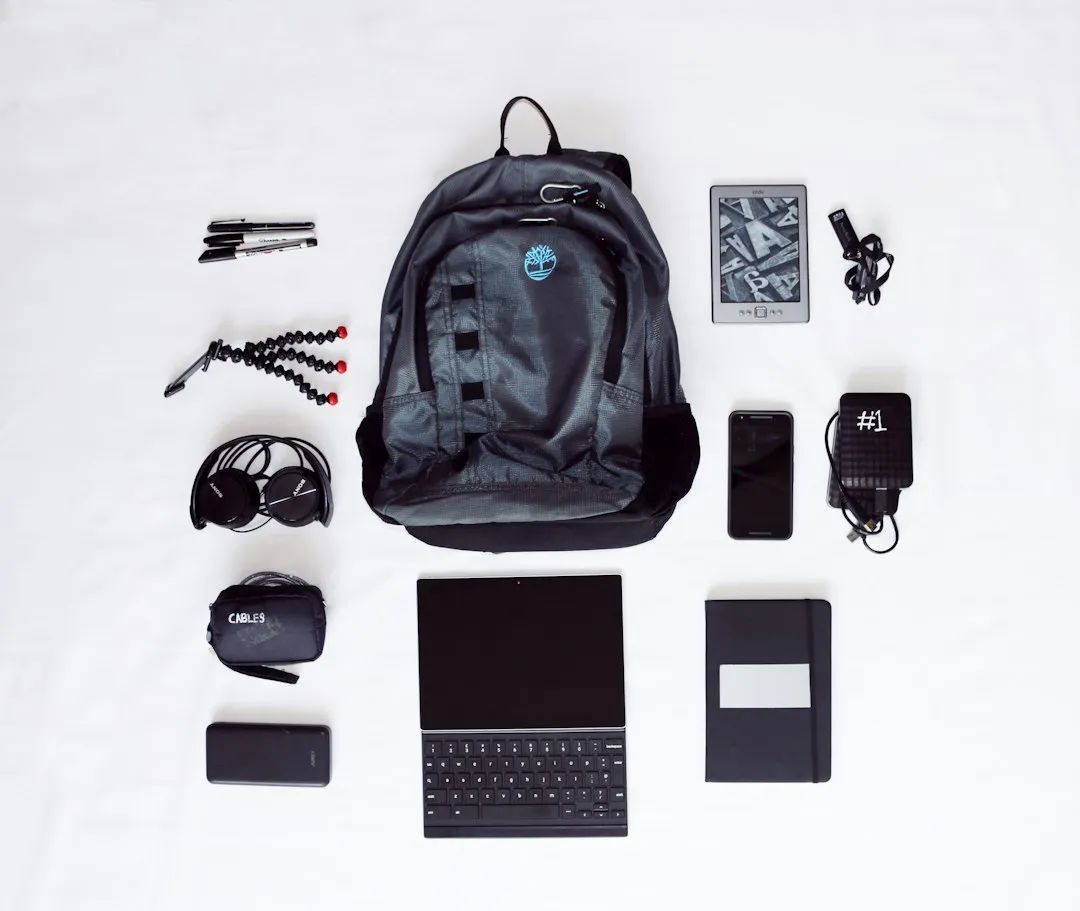
Before your final airport journey, collect the router and all rental accessories from your room and bags. Compare them with the rental agreement, confirm the return center and hours, and leave time for that stop. Keep the kit accessible until the handover.
The KT WiFi Router User Guide explicitly says there is no KT roaming center in the duty-free zone and directs customers to return at a KT roaming center before the immigration gate. Do not pass through departure processing while still carrying a unit that must be returned at that counter.
Hand over the complete rental kit and settle any outstanding charge. KT’s terms link ending the rental to returning the equipment and paying the charges; switching the device off does not complete the return. Ask for a return record and keep it with your payment documents. Loss or damage can create additional charges under KT’s terms, but no universal replacement fee applies across providers.
5. Korea Pocket WiFi Rental FAQ
Can I collect a KT router with only a debit card?
No. KT’s stated deposit requirement is a credit card in the renter’s own name, expiring more than three months away. It specifically excludes debit cards for the deposit. Bring the required identity document as well.
Does online payment remove the deposit requirement?
Do not assume so. KT’s reservation page offers online payment and still displays the deposit-card requirement. The prepaid rental cost and the card required as security are separate.
Can I choose the router with the longest battery life?
KT says devices cannot be designated in advance and may change. Check the actual model and charging instructions at pickup. The published battery specifications do not guarantee actual runtime.
Can I return the router after immigration?
KT’s manual says to return at its roaming center before the immigration gate, with no center in the duty-free zone. Confirm your booked return location before departure. For a Korea pocket WiFi rental, the last step is the equipment handover and final charge check, not simply disconnecting your phone.
Sources & References
Korea Tourism Organization: Electricity & Communications — airport rental context. Provider conditions: KT router plans and requirements; reservation fields and customer details; connection instructions; airport counters and assistance hours; WiFi Router User Guide, August 2026; KT rental terms, in Korean.
Last verified: November 12, 2026. Prices, counter hours and allocated devices can change. KT-specific conditions above are not rules for every Korean rental company or reseller; follow the agreement for the product you book. For general visitor information, VISITKOREA provides 1330 online call and chat access; it is not the provider’s rental-extension service.
Image Credits
Hero: Jan Hagelskamp1 / Wikimedia Commons, CC BY 4.0.
Booking: Lauren Mancke / Unsplash, Unsplash License.
Pickup: wu yi / Unsplash, Unsplash License.
Equipment: www.digitalpush.net / Wikimedia Commons, CC BY 4.0.
Charging: brett jordan / Wikimedia Commons, CC BY 2.0.
Sharing: ROBIN WORRALL / Unsplash, Unsplash License.
Packing: Dean Pugh / Unsplash, Unsplash License.
Images resized and converted to WebP. Equipment photographs illustrate portable routers and accessories, not a guaranteed KT kit. Other photographs show neutral preparation, airport surroundings, phone use and personal-electronics packing; they do not demonstrate a live rental transaction or shared connection.